How Smartphones Limit Performance When Overheating: What You Need to Know
Related Topics
Discover how thermal throttling protects your smartphone from heat damage by automatically reducing performance. Learn what triggers it and how to manage overheating effectively.
Follow us on
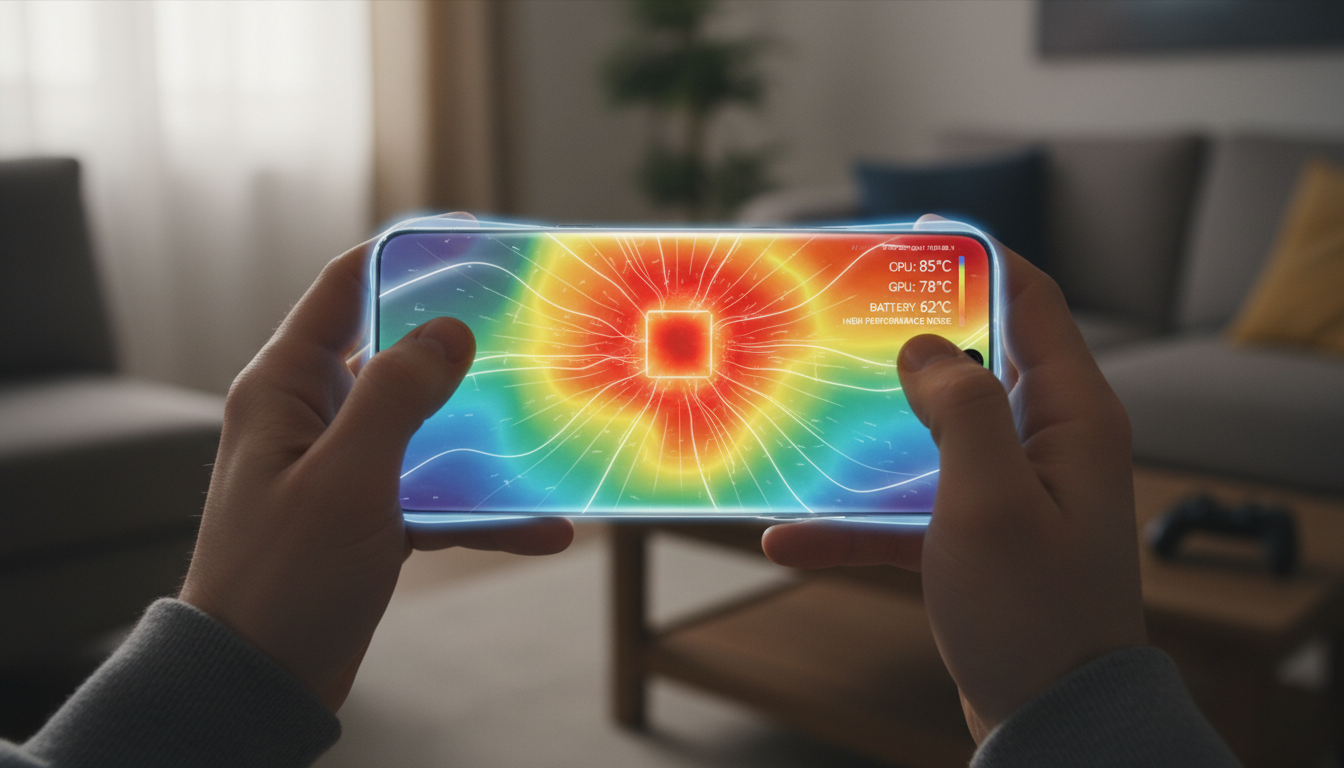
Ever notice your phone suddenly slowing down during a gaming session or while recording video? That's not a glitch. It's your device protecting itself through a process called thermal throttling—an automatic performance reduction that kicks in when things get too hot.
Your smartphone generates heat whenever it's working hard. The processor, graphics chip, and battery all produce warmth during demanding tasks like gaming, streaming, or using GPS navigation. When internal temperatures climb beyond safe levels, your phone automatically dials back performance to prevent hardware damage. It's annoying, but it's also the reason your phone doesn't cook itself from the inside out.
We'll walk you through exactly how this protection system works, what triggers it, and what you can do to keep your device running smoothly without constant slowdowns.
What Is Thermal Throttling
Thermal throttling is when your smartphone deliberately reduces its processor speed and overall performance to manage heat buildup. Think of it like your phone shifting into a slower gear to cool down.
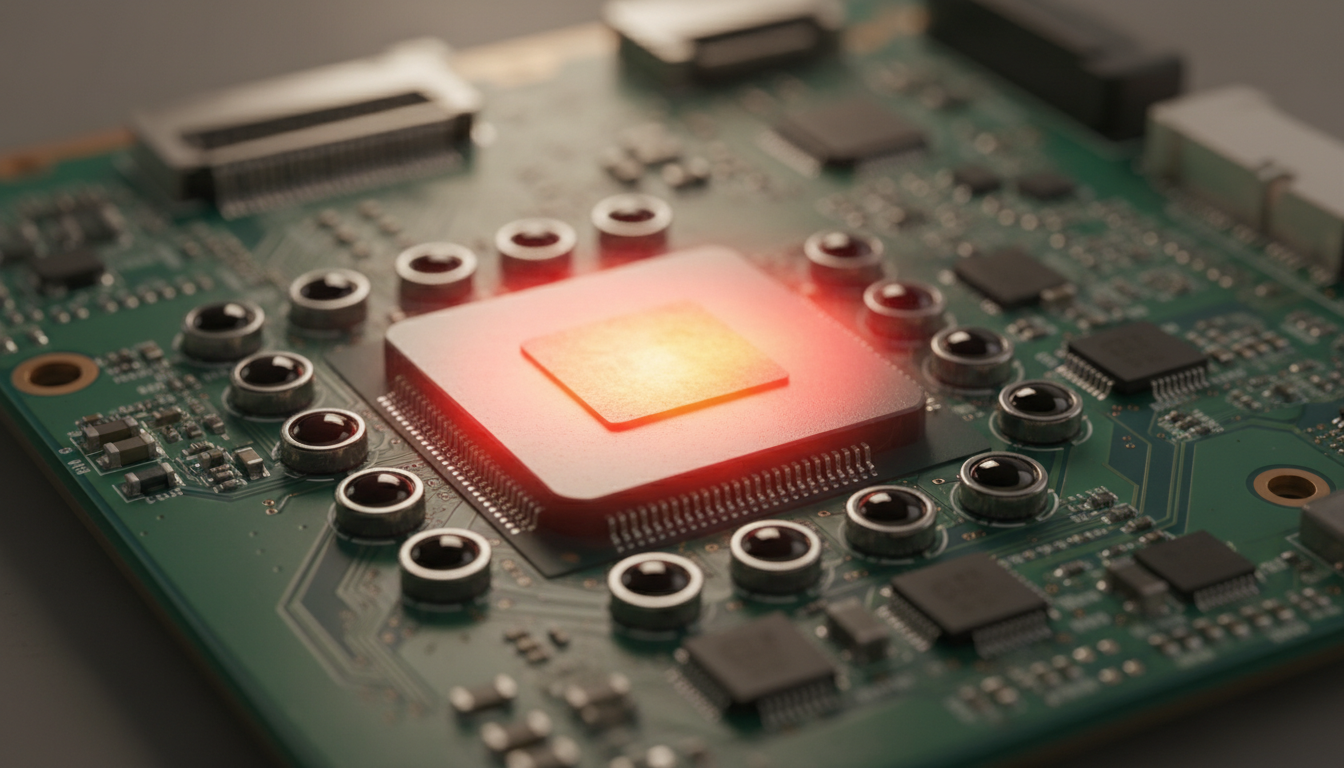
When you run resource-intensive apps, your phone's system-on-a-chip (SoC) works at maximum capacity. This creates heat—lots of it. Temperature sensors constantly monitor the internal environment, and when readings cross specific thresholds, the operating system automatically reduces processor frequency and limits background activity. The whole process happens without any input from you.
Your phone isn't slowing down because it's broken. It's temporarily sacrificing speed to protect delicate internal components from permanent damage. Without this safety mechanism, excessive heat could warp circuits, damage the ternary lithium battery, or even create safety risks.
How Throttling Actually Works
Your smartphone uses multiple strategies to manage temperature and performance. The process starts with thermal sensors placed throughout the device—typically one assigned to each processor core, plus additional sensors monitoring the battery and other components.
These sensors feed real-time data to the thermal governor, a software component that makes split-second decisions about performance limits. When temperature rises, the governor takes several actions:
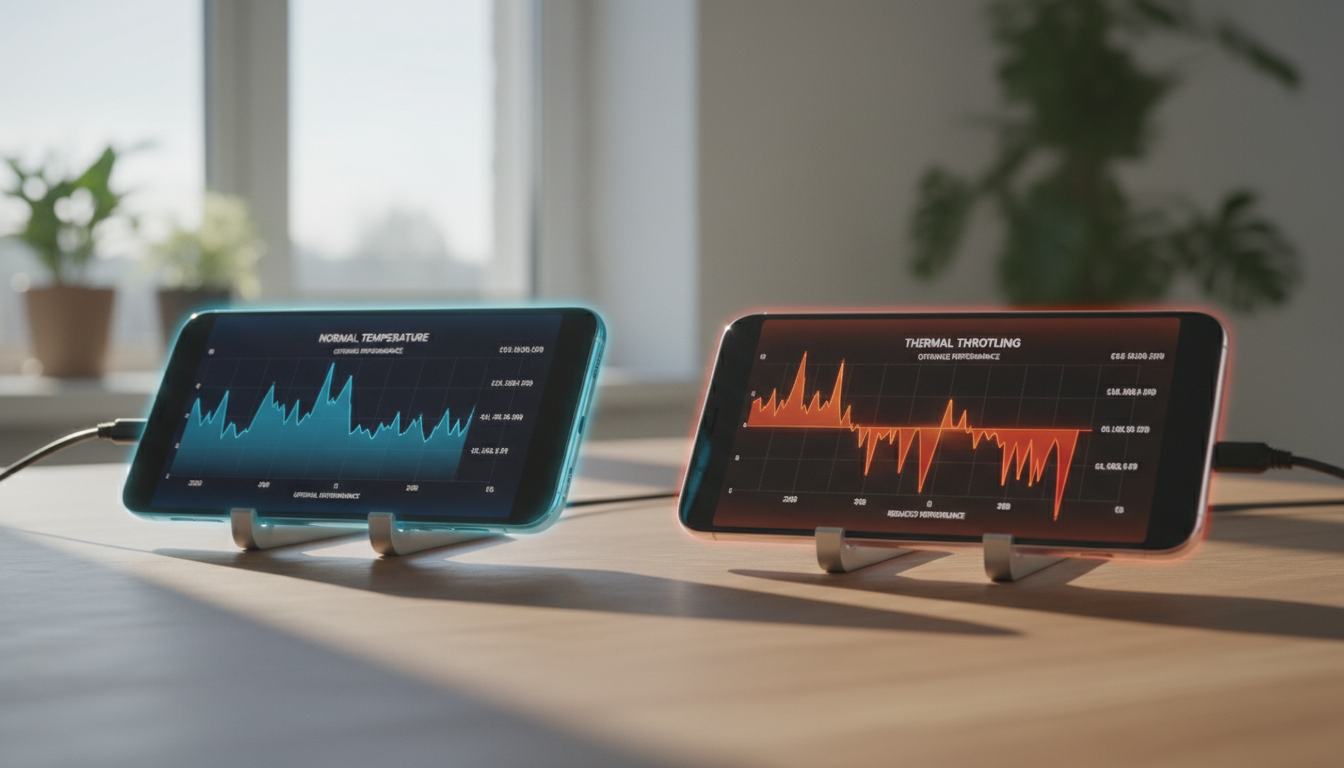
CPU and GPU frequency reduction: The processor normally runs at maximum speed to handle demanding tasks. During throttling, it drops to lower clock speeds. For example, a phone that typically operates at 2.1GHz might throttle down to 1.4GHz or even 1.2GHz when temperatures spike.
Core management: Modern processors have different types of cores—high-performance "big" cores and energy-efficient "little" cores. The system can shift workload from the power-hungry big cores to the more efficient little cores to reduce heat generation.
Display adjustments: Many phones automatically dim the screen or reduce refresh rate from 120Hz down to 60Hz to lower power consumption and thermal load.
Network fallback: Some devices will switch from 5G to 4G connectivity at higher thermal thresholds, since 5G radios generate more heat during sustained use.
The trade-off is clear: temporary slower performance instead of permanent hardware failure. And honestly, that's a pretty good deal when you consider the alternative.
What Triggers Performance Throttling
Several factors can push your phone into throttling mode. Gaming for extended periods is one of the biggest culprits—games push both the CPU and GPU hard while keeping the screen at full brightness and constantly using network resources. Even flagship phones can warm up within minutes when running demanding titles.
Video recording, especially in 4K or HDR, generates significant heat since the camera sensor, image processor, and storage all work simultaneously at high intensity. Using navigation apps in direct sunlight combines GPS processing with a bright display and often occurs in already-warm environments like cars.
Charging while using your phone doubles the heat load. Fast charging draws substantial current, which naturally warms the battery. If you're also gaming or streaming while plugged in, you're basically asking your phone to work overtime while already stressed.
Poor thermal design or blocked airflow makes things worse. Thick phone cases trap heat and prevent natural dissipation. Using your phone on soft surfaces like beds or couches blocks ventilation. Even ambient temperature matters—a phone sitting in a hot car or direct summer sunlight starts from a higher baseline, reaching thermal limits much faster.
Background apps you forgot about also contribute. Apps running in the background continue consuming CPU resources and generating heat even when you're not actively using them. An old, degraded battery produces more heat than a healthy one, making throttling more frequent as your device ages.
Performance Impact You'll Actually Notice
When throttling kicks in, the effects show up immediately in your daily use. Frame rates drop during gaming—what was smooth 60 frames per second suddenly stutters down to 30 or lower. Apps that normally open instantly now take several seconds to load. Video playback might stutter or reduce quality automatically.
The battery drains faster because the processor keeps working under strain, even at reduced speed. You might notice your phone feels hot to the touch, particularly around the back panel near the camera module. Many devices also dim the display automatically as part of thermal control.
If you're streaming video, you might see quality automatically downgrade from HD to standard definition. During video calls, your camera might pause or the call quality could degrade. Some phones display explicit temperature warnings and temporarily disable the camera or other features until cooling occurs.
Here's the thing: occasional throttling during heavy use is completely normal. But if your phone throttles constantly during light tasks, that signals a deeper problem—possibly a degraded battery, dust buildup blocking internal heat dissipation, or software issues causing unnecessary background activity.
Cooling Technologies in Modern Phones
Smartphone manufacturers use several approaches to manage heat before throttling becomes necessary. Most phones rely on passive cooling—there's no fan, so heat dissipation happens through conduction and convection.
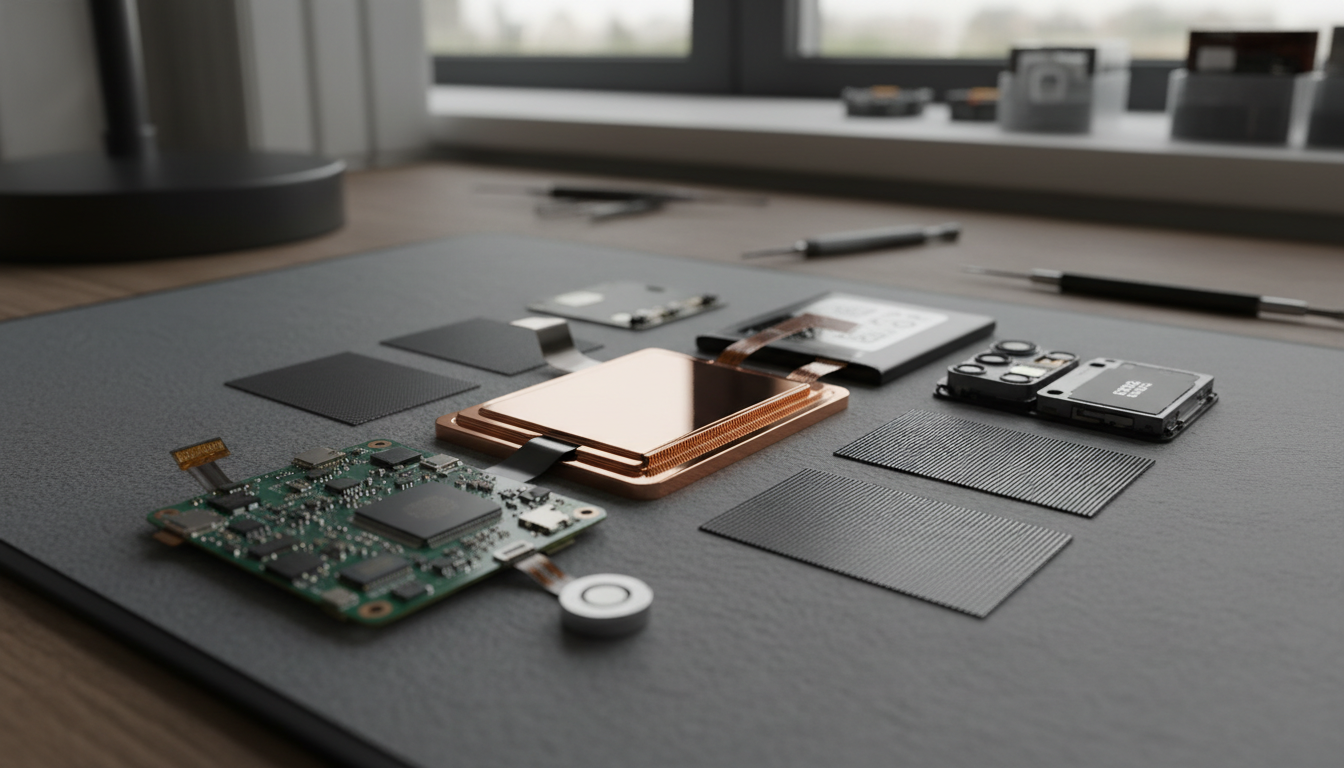
Vapor chamber cooling has become common in flagship devices. These are thin, flattened compartments containing fluid that moves heat away from hot spots through phase change. The vapor chamber distributes heat across a larger surface area, making the phone more comfortable to hold while allowing components to run faster before throttling kicks in.
Graphite sheets and thermal paste help conduct heat from the processor to the phone's metal frame, which acts as a passive heatsink. Some lithium battery cells incorporate advanced thermal management to reduce heat generation during charging and discharge.
Gaming phones sometimes include attachable fans or internal active cooling systems. These devices can sustain higher performance for longer periods, though they're typically thicker and heavier than standard phones.
But here's the reality: there's only so much heat you can push through a thin slab of glass and metal before physics takes over. Even the best cooling systems can't overcome poor usage habits or extreme environmental conditions.
Managing Heat to Reduce Throttling
You can take several steps to minimize how often your phone throttles performance. Start by closing unused apps running in the background—this immediately lowers CPU demand and reduces internal heat generation.
Remove your phone case during intensive tasks like gaming sessions or video recording. While cases provide protection, they trap heat and make it harder for your device to cool naturally. Keep your software updated, since manufacturers often include thermal optimization patches in firmware updates that better manage performance and temperature.
Avoid using your phone while charging, especially for demanding activities. Both the battery and processor work at full capacity when you're gaming or streaming while plugged in, which generates excessive heat. Lower your screen brightness and reduce refresh rate when possible—keeping the display at maximum brightness for extended periods is one of the biggest contributors to overheating.
Take breaks during extended use. If you're planning a long gaming session, play for 20-30 minutes, then let your phone rest for a few minutes to cool down. Keep your device out of direct sunlight and avoid leaving it in hot cars, where temperatures can exceed 130°F.
For serious performance needs, consider using a phone cooler—external fans designed to attach to your device during gaming. These accessories can significantly reduce temperature and extend the time before throttling occurs.
When Throttling Signals Bigger Problems
Some heat exposure is normal, but certain signs indicate you need professional attention. If your phone constantly gets hot during light use—simple web browsing or texting—something's wrong. A swollen battery is a serious safety issue that requires immediate replacement.
Unexpected shutdowns during normal use suggest the battery can no longer deliver sufficient power. Camera warnings about temperature during brief recording sessions indicate the thermal management system is struggling. Rapid battery drain combined with excessive heat points to either a degraded battery or software issues causing unnecessary background activity.
If your phone shows these symptoms, don't ignore them. A degraded cylindrical battery produces more heat and voltage sag, forcing the phone to throttle more aggressively under load. Professional battery replacement can restore normal performance and reduce heat-related throttling.
Physical damage like liquid ingress corrodes internal components and raises heat during normal operation. Internal dust buildup or degraded thermal paste inside the device can trap heat, accelerating throttling even during moderate use. These issues require professional repair—no amount of usage habit changes will fix hardware problems.
The Future of Thermal Management
The demand for higher performance keeps growing. On-device AI processing, advanced mobile gaming, and 5G connectivity all generate significant heat. But consumers also want thinner, lighter devices—which limits space for effective cooling systems.
Manufacturers face a tough balancing act. Peak performance looks great in marketing materials, but sustained real-world performance depends on thermal headroom. Some companies are exploring more transparent thermal management, showing users when and why throttling occurs instead of leaving them guessing.
Better software optimization helps—operating systems are getting smarter about predicting thermal issues and shifting workloads proactively rather than waiting for emergencies. Background task management improves with each software update, reducing unnecessary heat generation from apps you're not actively using.
For electric vehicle battery applications, advanced thermal management is already standard practice. Some of these battery technologies are gradually making their way into consumer electronics, promising better heat tolerance and longer lifespan.
The truth is, some throttling is unavoidable. The laws of physics don't care about our expectations. But understanding how it works helps you make better decisions about device usage and maintenance.
Conclusion
Thermal throttling isn't your phone's enemy—it's a safety mechanism that prevents permanent hardware damage. When your device automatically reduces performance during intensive tasks, it's protecting expensive components from heat damage while extending overall lifespan.
You'll notice throttling most during gaming, video recording, navigation in hot environments, or when charging while using demanding apps. The performance reduction is temporary and resolves once your device cools down. By managing your usage habits, keeping software updated, and maintaining good device health, you can minimize how often throttling occurs.
But if your phone throttles constantly during normal use or shows warning signs like swelling, unexpected shutdowns, or excessive heat during light tasks, professional service is needed. Sometimes the issue isn't how you're using your phone—it's a hardware problem that requires expert attention.
Highstar attaches great importance to your personal privacy. When you visit our website, please agree to the use of all cookies. More information about the processing of personal data can be found at "Privacy Policy"


 Buy
Buy